> ## Documentation Index
> Fetch the complete documentation index at: https://ngquct-docs-fix-500-query-results.mintlify.site/llms.txt
> Use this file to discover all available pages before exploring further.
# MariaDB
> Connect to MariaDB 10.x and later through the bundled MySQL driver
MySQL and MariaDB load the same bundled driver, so [MySQL](/databases/mysql) carries the setup. Port `3306`, an optional Database field, `Cmd+K` to change database in place, SSL/TLS starting on **Preferred**, [AWS IAM](/connections/aws-iam) and SSH tunnels. MariaDB 10.x and later are supported. The rest of this page is what differs.
## Connection URL
Both schemes open a connection; `mariadb://` creates a MariaDB connection, `mysql://` a MySQL one:
```text theme={null}
mariadb://user:password@host:3306/database
```
See [Connection URL Reference](/connections/urls).
## Differences from MySQL
* The default authentication plugin is `mysql_native_password`, against `caching_sha2_password` on MySQL 8. Both connect.
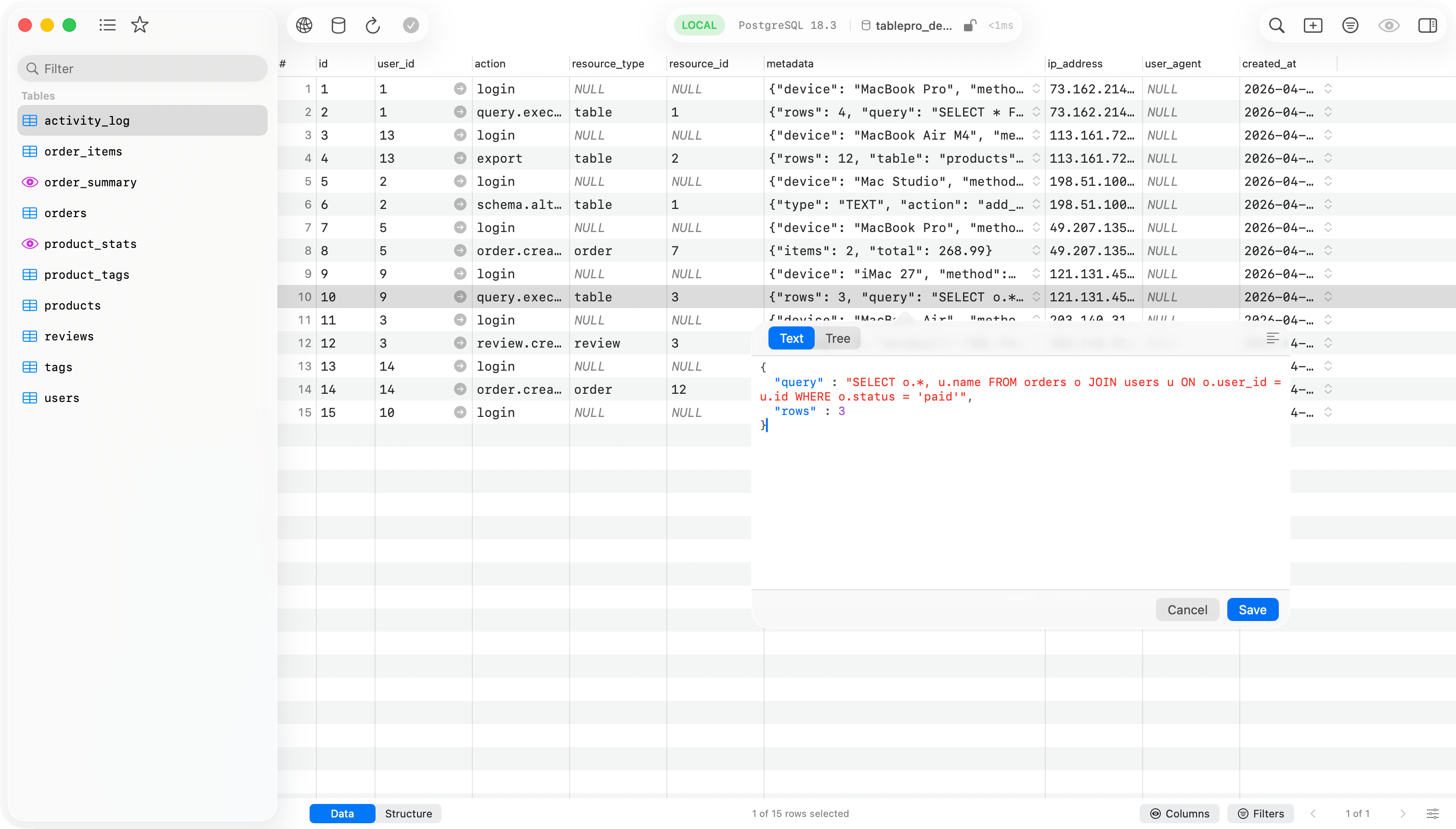
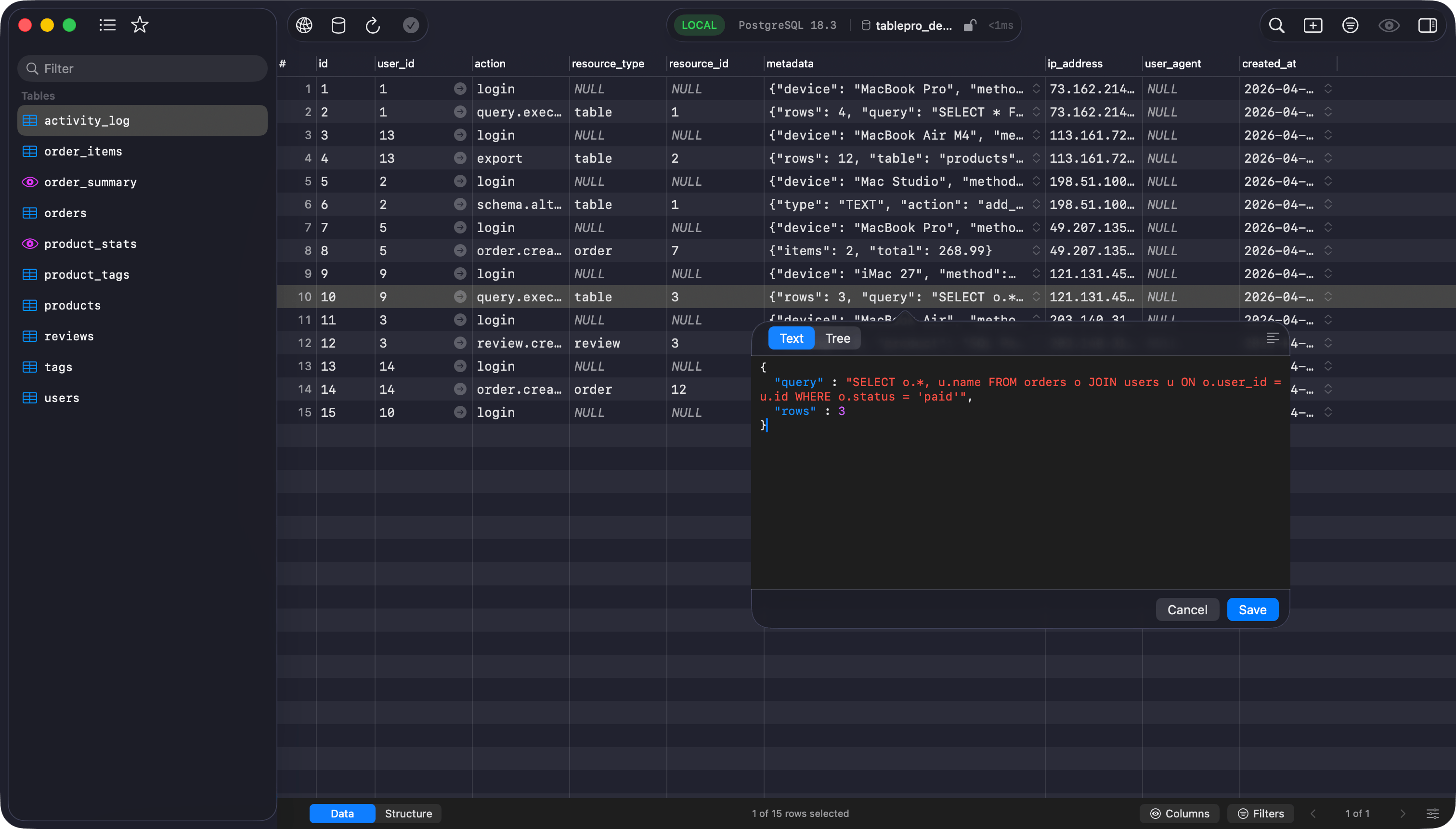
* MariaDB stores JSON in a LONGTEXT column. The driver reads MariaDB's extended field attributes and types those columns as JSON, so their values open in the JSON editor instead of as plain text.
* Virtual and persistent columns are detected on every version, including the bare `VIRTUAL` and `PERSISTENT` spelling that 10.1 and older report, and are left out of generated INSERT and UPDATE statements.
* A query timeout goes in as `SET SESSION max_statement_time`, counted in seconds. MySQL takes `max_execution_time` in milliseconds.
 ## Limitations
* Cloud SQL Auth Proxy is not offered for MariaDB. That pane appears for MySQL, PostgreSQL and SQL Server only. Reach a server that is not directly routable through an [SSH tunnel](/connections/ssh-tunneling).
* [Users & Roles](/features/users-roles) reads `mysql.user` and reports every row there as a user, never as a role. Create and grant MariaDB roles with SQL in the editor.
## Related
* [MySQL](/databases/mysql), for connection fields, common setups, SSL/TLS and troubleshooting
* [SSH Tunneling](/connections/ssh-tunneling)
## Limitations
* Cloud SQL Auth Proxy is not offered for MariaDB. That pane appears for MySQL, PostgreSQL and SQL Server only. Reach a server that is not directly routable through an [SSH tunnel](/connections/ssh-tunneling).
* [Users & Roles](/features/users-roles) reads `mysql.user` and reports every row there as a user, never as a role. Create and grant MariaDB roles with SQL in the editor.
## Related
* [MySQL](/databases/mysql), for connection fields, common setups, SSL/TLS and troubleshooting
* [SSH Tunneling](/connections/ssh-tunneling)