> ## Documentation Index
> Fetch the complete documentation index at: https://ngquct-docs-fix-500-query-results.mintlify.site/llms.txt
> Use this file to discover all available pages before exploring further.
# Development Setup
> Clone, configure signing, and build TablePro in Xcode
The Xcode project is generated and the static libraries are downloaded. A fresh clone carries
neither, so two scripts run before anything opens in Xcode. Xcode itself has to be 26.0 or newer:
the app calls SwiftUI's `glassEffect(_:in:)` behind `if #available(macOS 26.0, *)`, and that symbol
ships in the macOS 26 SDK. The deployment target stays at macOS 14.0, which is what the built app
runs on, not what you build on.
## Prerequisites
| Software | Version | Notes |
| ----------- | -------------- | -------------------------------------------------------------------------------------------------------------------------------------------------- |
| Xcode | 26.0+ | Every CI job pins 26.4.1 through `.github/actions/setup-xcode` |
| XcodeGen | 2.46.0 exactly | `brew install xcodegen`. Generated `pbxproj` output differs between XcodeGen versions, so `scripts/generate-project.sh` warns on any other version |
| SwiftLint | any | `brew install swiftlint`. The release workflow runs `swiftlint lint --strict` |
| SwiftFormat | any | `brew install swiftformat`. Not run in CI |
| GitHub CLI | any | `brew install gh`. Optional: `scripts/download-libs.sh` falls back to `curl` |
The Swift language mode comes from `SWIFT_VERSION = 6.0` in `Configs/Base.xcconfig`, and each
package under `Packages/` sets its own through `swift-tools-version: 6.0`. Never pass
`SWIFT_VERSION=` on an `xcodebuild` command line to test a language-mode change: the override
reaches the package targets too and reports their errors as yours.
## Quick start
```bash theme={null}
git clone https://github.com/TableProApp/TablePro.git && cd TablePro
```
```bash theme={null}
brew install xcodegen swiftlint swiftformat
```
```bash theme={null}
scripts/download-libs.sh
```
Two archives come off the `libs-v1` GitHub Release: the macOS `.a` files (libmariadb, libpq,
libduckdb, libmongoc, and the rest) and the iOS xcframeworks. 257 MB downloaded, 621 MB on
disk. Every run, including one that downloads nothing, verifies `Libs/` against the checksums
committed at `HEAD`.
None of it is in git, so a build that skips this step fails at link time on missing symbols.
```bash theme={null}
cp Configs/Secrets.xcconfig.example Configs/Secrets.xcconfig
```
Then edit the copy. The template ships the literal `YOUR_TEAM_ID`, which fails to sign exactly
the way leaving the file out does:
```
TABLEPRO_DEVELOPMENT_TEAM = YOUR_TEAM_ID
TABLEPRO_APP_BUNDLE_IDENTIFIER = com.yourhandle.TablePro
```
A free personal team works. Debug builds sign against `TablePro/TablePro.Debug.entitlements`,
which drops the iCloud container and CloudKit, so no paid Apple Developer Program membership is
needed and sync turns itself off at runtime. Plugin bundles and the MCP helper sign ad-hoc and
need no team at all.
`Configs/Secrets.xcconfig` is gitignored, so these settings cannot reach a commit and they
survive regenerating the project. Changing signing in the Xcode UI has no effect that lasts:
the project is generated, and the next `scripts/generate-project.sh` discards the edit.
```bash theme={null}
scripts/generate-project.sh
```
This writes `TablePro.xcodeproj` and `TableProMobile/TableProMobile.xcodeproj` from their
`project.yml` specs. Pass `macos` or `ios` to generate just one of them. Run it again after
editing a `project.yml` or anything in `Configs/`, and after adding, moving, or deleting a
source file, because XcodeGen collects sources at generation time and a new file is not in
the project until you regenerate.
```bash theme={null}
open TablePro.xcodeproj
```
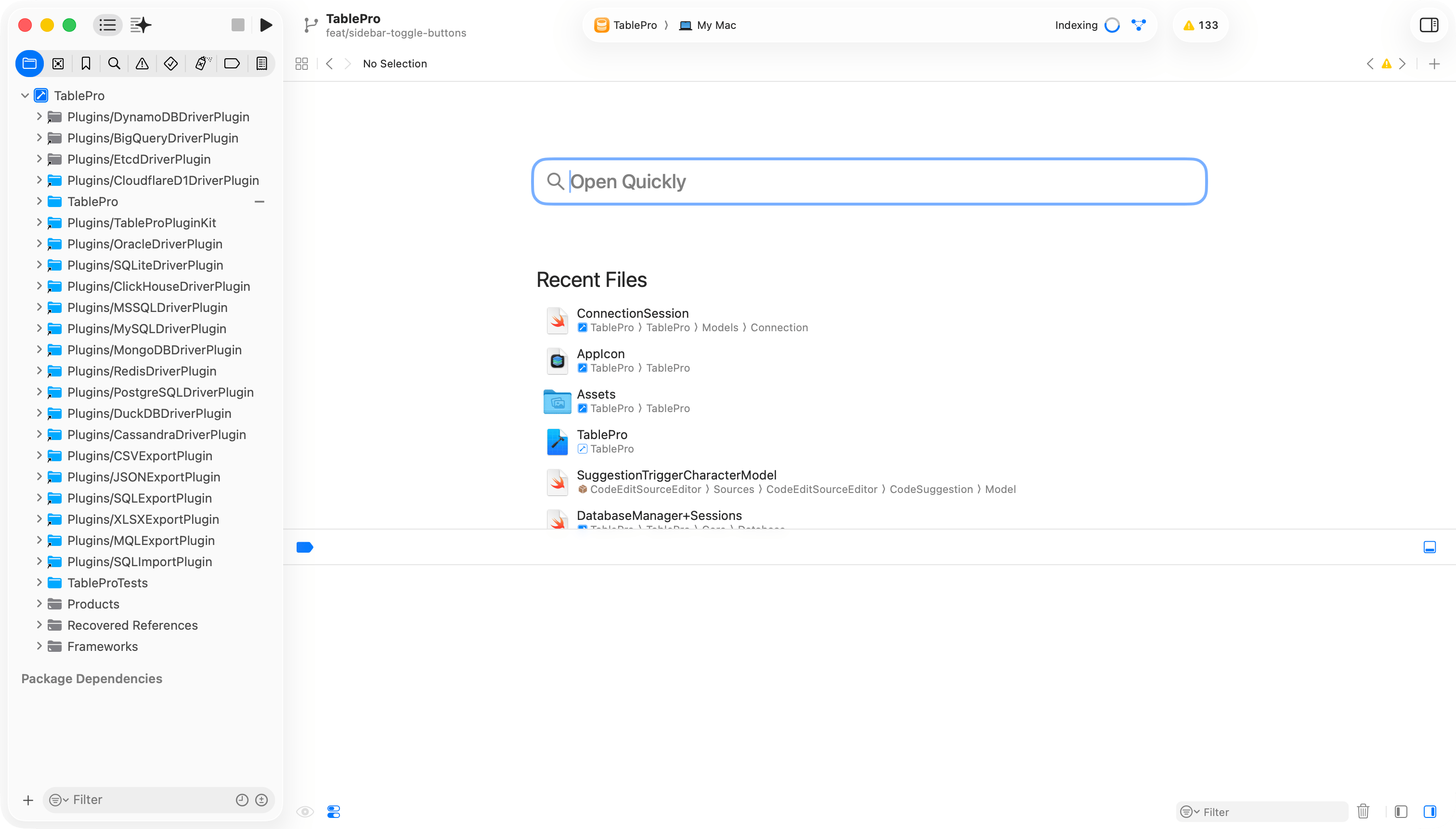
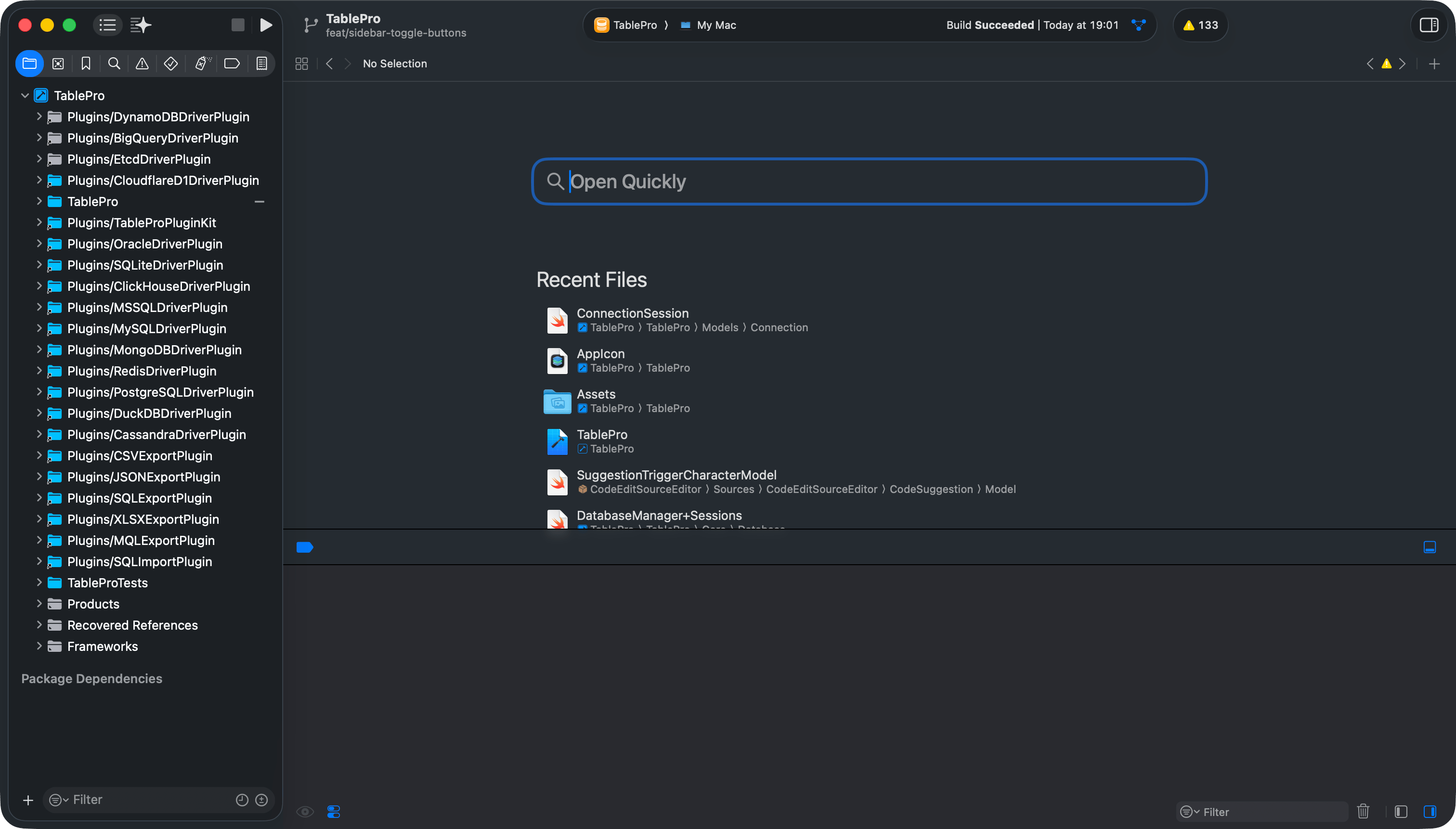
Select the **TablePro** scheme, set the destination to **My Mac**, press `Cmd+R`. Or stay on
the command line:
```bash theme={null}
xcodebuild -project TablePro.xcodeproj -scheme TablePro -configuration Debug build -skipPackagePluginValidation
```
The two write to different places. See [Building](/development/building).
 Writing a driver plugin? [Plugin Development](/development/plugin-development) covers building one
and [Testing a Custom Plugin](/development/testing-plugins) covers running it in your local build.
## Project structure
`Packages/TableProCore/Sources/TableProPluginKit` is a symlink to `Plugins/TableProPluginKit`. Edit
the files under `Plugins/` only.
## Running tests
```bash theme={null}
xcodebuild -project TablePro.xcodeproj -scheme TablePro test -skipPackagePluginValidation
```
Or press `Cmd+U` in Xcode. To narrow the run, pass `-only-testing:TableProTests/TestClassName` or
`-only-testing:TableProTests/TestClassName/testMethodName`. `-only-testing:TableProUITests` runs the
UI automation on its own.
## Linting and formatting
```bash theme={null}
swiftlint lint --strict
swiftformat .
```
`--strict` turns warnings into errors, which is how the release workflow runs it, so a plain
`swiftlint lint` can pass on a change that later blocks a tag. Full tooling reference:
[Code Style](/development/code-style).
## Troubleshooting
### `xcodegen: command not found`
`scripts/generate-project.sh` needs XcodeGen on `PATH`. Run `brew install xcodegen`, then check
`xcodegen --version` reports 2.46.0.
### `TablePro.xcodeproj` does not exist
It is generated, not committed. Run `scripts/generate-project.sh`.
### `Undefined symbols for architecture arm64`
`Libs/` is empty or stale. Run `scripts/download-libs.sh`, or `scripts/download-libs.sh --force` to
overwrite what is already there.
### `Libs does not match the checksums committed in git.`
`download-libs.sh` compares the extracted libraries against the baseline at `HEAD` and refuses to
continue when they differ. Re-run with `--force`. If you rebuilt a library on purpose, publish it
so the baseline moves with it: see [Releasing](/development/releasing).
### Signing errors after a fresh clone
`Configs/Base.xcconfig` defaults `TABLEPRO_DEVELOPMENT_TEAM` to the maintainer's team, and it
includes `Secrets.xcconfig` with `#include?`, so a build without that file still runs and still
fails to sign. Create the file and set your own team.
### A new source file does not compile
XcodeGen globs sources when the project is generated. Run `scripts/generate-project.sh`.
### Package resolution fails
Clean the build folder with `Cmd+Shift+K` and reopen Xcode. If that does not clear it,
`rm -rf ~/Library/Developer/Xcode/DerivedData`.
Writing a driver plugin? [Plugin Development](/development/plugin-development) covers building one
and [Testing a Custom Plugin](/development/testing-plugins) covers running it in your local build.
## Project structure
`Packages/TableProCore/Sources/TableProPluginKit` is a symlink to `Plugins/TableProPluginKit`. Edit
the files under `Plugins/` only.
## Running tests
```bash theme={null}
xcodebuild -project TablePro.xcodeproj -scheme TablePro test -skipPackagePluginValidation
```
Or press `Cmd+U` in Xcode. To narrow the run, pass `-only-testing:TableProTests/TestClassName` or
`-only-testing:TableProTests/TestClassName/testMethodName`. `-only-testing:TableProUITests` runs the
UI automation on its own.
## Linting and formatting
```bash theme={null}
swiftlint lint --strict
swiftformat .
```
`--strict` turns warnings into errors, which is how the release workflow runs it, so a plain
`swiftlint lint` can pass on a change that later blocks a tag. Full tooling reference:
[Code Style](/development/code-style).
## Troubleshooting
### `xcodegen: command not found`
`scripts/generate-project.sh` needs XcodeGen on `PATH`. Run `brew install xcodegen`, then check
`xcodegen --version` reports 2.46.0.
### `TablePro.xcodeproj` does not exist
It is generated, not committed. Run `scripts/generate-project.sh`.
### `Undefined symbols for architecture arm64`
`Libs/` is empty or stale. Run `scripts/download-libs.sh`, or `scripts/download-libs.sh --force` to
overwrite what is already there.
### `Libs does not match the checksums committed in git.`
`download-libs.sh` compares the extracted libraries against the baseline at `HEAD` and refuses to
continue when they differ. Re-run with `--force`. If you rebuilt a library on purpose, publish it
so the baseline moves with it: see [Releasing](/development/releasing).
### Signing errors after a fresh clone
`Configs/Base.xcconfig` defaults `TABLEPRO_DEVELOPMENT_TEAM` to the maintainer's team, and it
includes `Secrets.xcconfig` with `#include?`, so a build without that file still runs and still
fails to sign. Create the file and set your own team.
### A new source file does not compile
XcodeGen globs sources when the project is generated. Run `scripts/generate-project.sh`.
### Package resolution fails
Clean the build folder with `Cmd+Shift+K` and reopen Xcode. If that does not clear it,
`rm -rf ~/Library/Developer/Xcode/DerivedData`.