

open and browser links reach TablePro only through the ones it registers with macOS.
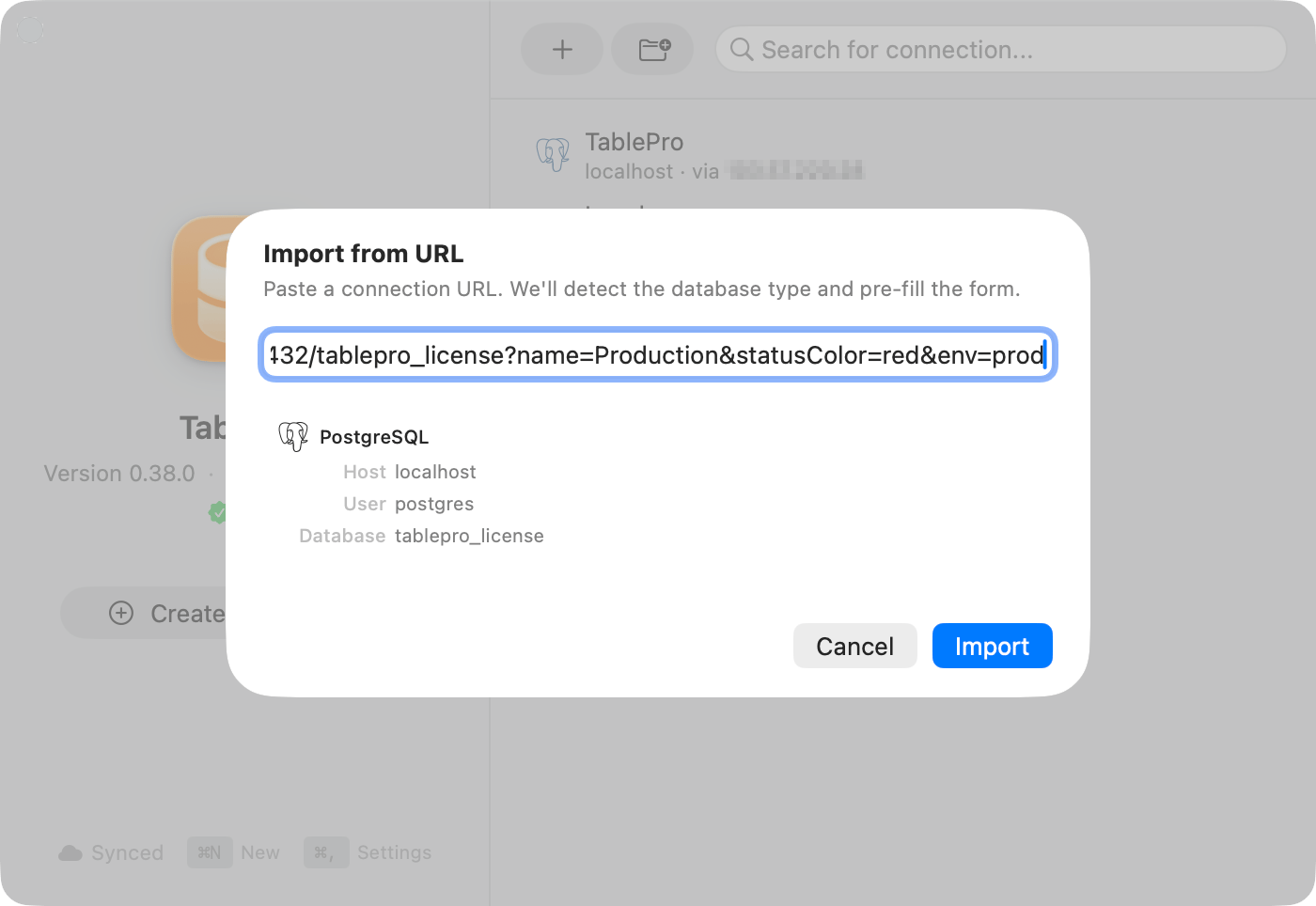
The Import from URL sheet accepts every scheme in this reference
URL schemes
Append
+ssh to any non-file scheme (so not sqlite, duckdb, or beancount) to carry SSH settings in the same string:
+ssh scheme is registered with macOS, so open and browser links cannot route one. Import those through the sheet.
Standard format
.env file, Open Project Folder reads it for you instead of asking you to paste it.
Passwords containing
@, #, %, or : must be percent-encoded. p@ss#word becomes p%40ss%23word.Could not parse database URL: …, with the password stripped out of the echoed string.
SSH tunnel format
Both sets of credentials go in one string, SSH first:db_host defaults to 127.0.0.1.
Query parameters
Names are matched case-insensitively. Anything unrecognized is ignored, except on a MongoDB URL, where every unknown parameter is passed to the driver unchanged.Connection
SSL/TLS
sslmode wins if more than one of these is present.
Navigation
On PostgreSQL, Redshift, SQL Server, and Oracle,
schema switches the schema. Everywhere else the value is read as a database name and switches the database.
Filtering
These apply a filter to the table the URL opened. Applying one needs its own confirmation.SSH tunnel
MongoDB
Comma-separated hosts work for a replica set URI.
What the path component means
The part after the host is the database name on most schemes. Seven read it differently:Confirmation and trusted links
Every URL opened from outside the app raises an Open External Database Connection? alert naming the database type, host and port, user, and database. Connect does not answer the Return key. Escape is the only keyboard answer, and it cancels. Always Allow appears only for a database on this machine (localhost, 127.x.x.x, ::1). A trusted link is matched on database type, host, database, username, and the URL’s name parameter, never the port, so the same link on a different port still connects without asking again. Remote hosts always prompt.
Trusted links are listed under Settings > General, where Forget drops one and Forget All drops every one.