

127.0.0.1 and nothing else: no remote mode, no TLS certificate, no setting that opens it to your network. Claude Desktop, Claude Code, Cursor, and Zed reach your databases through the connections you already saved, and never see a password.
This page covers the Settings > Integrations pane. The protocol itself, the tool catalog, the prompts and the token model live in the External API section.
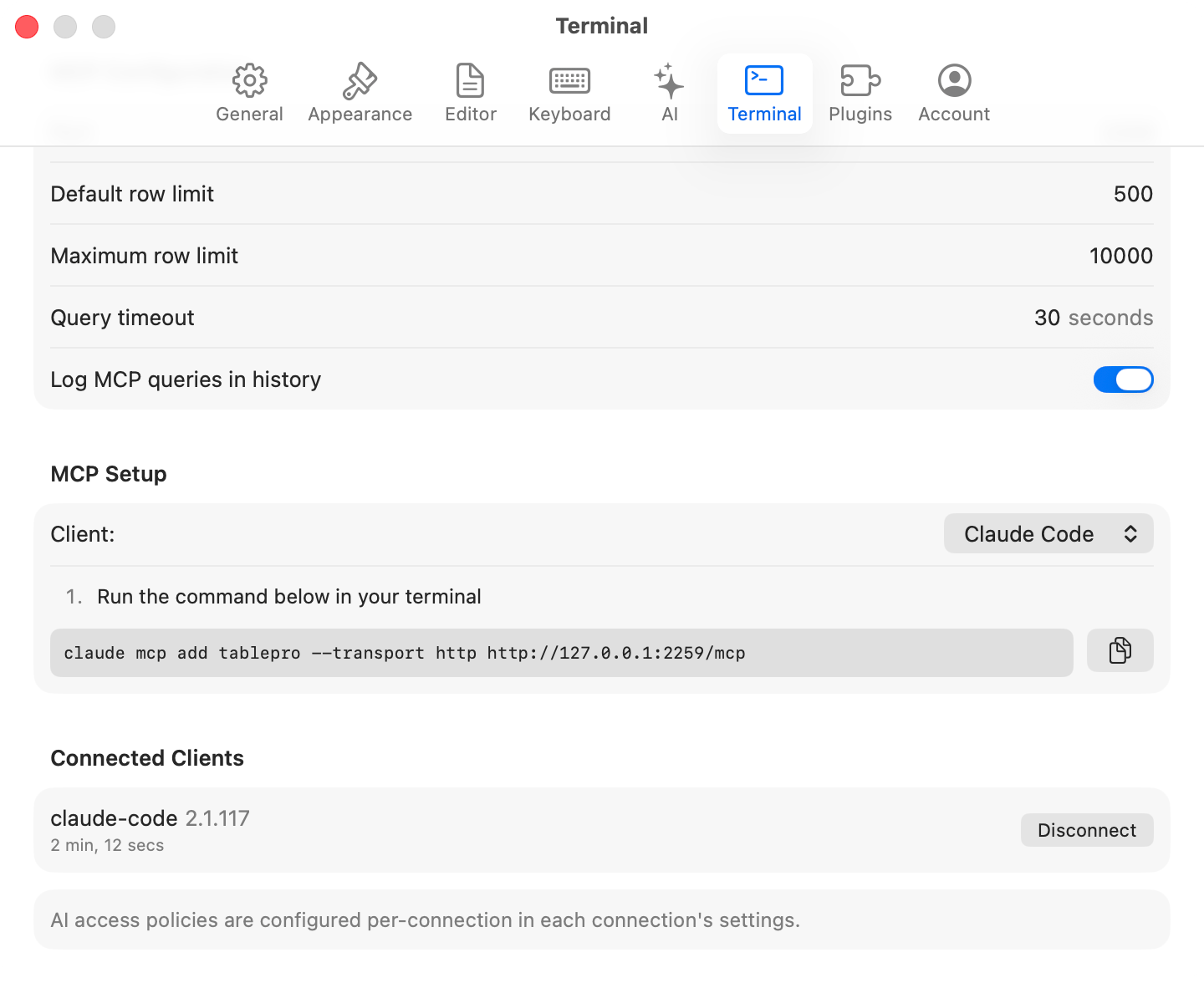
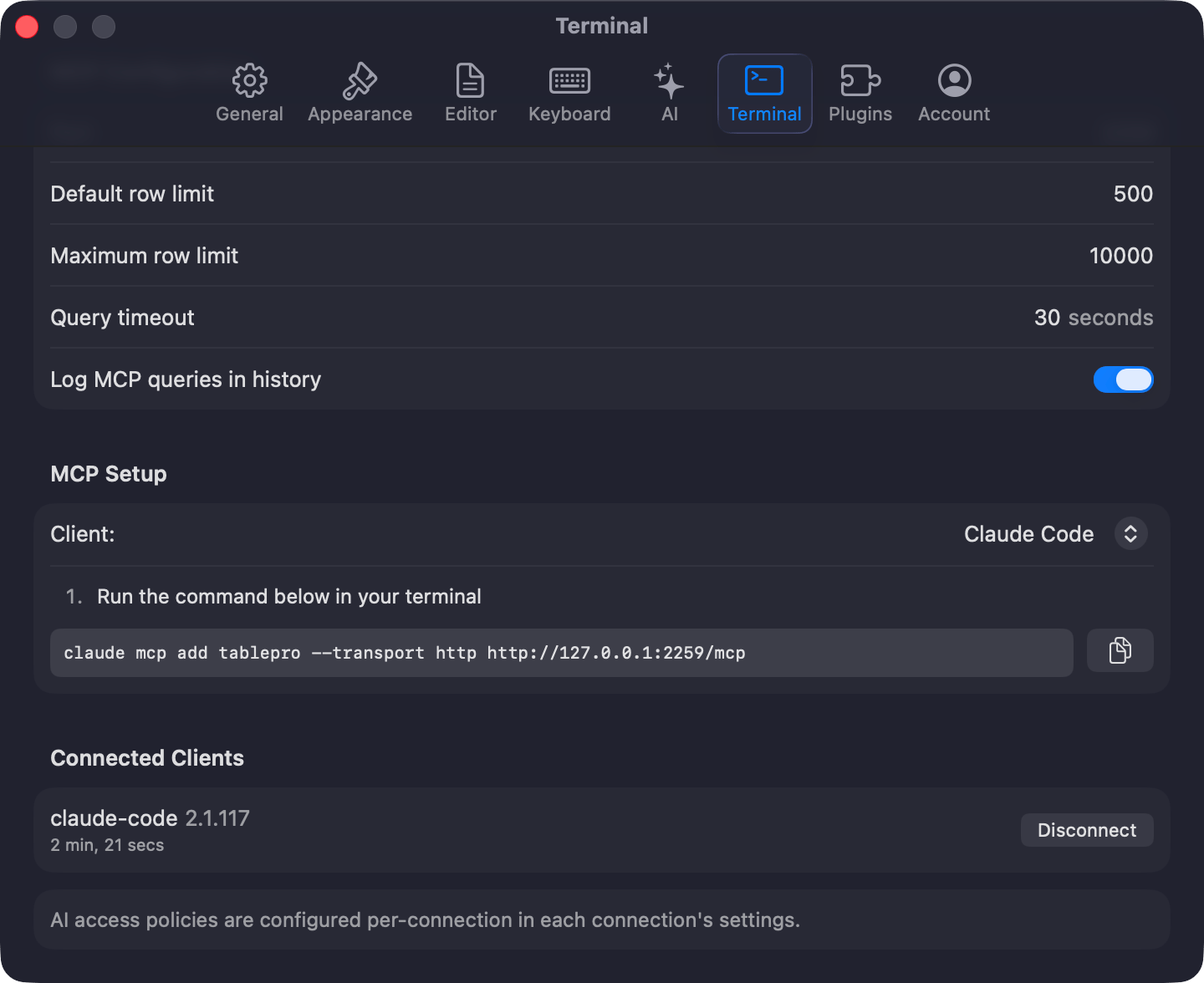
MCP server settings
Starting and stopping
Open Settings > Integrations and turn on Enable MCP Server. The Status row underneath is how you check it before touching a client config: it reads Running on port 23508, or Stopped, or the reason it failed. Leaving the toggle off does not keep the server down. It starts on demand when a client launches the bundledtablepro-mcp bridge and when you pair an extension, so turning the toggle off stops the listener but not those paths.
While it is only answering a client, TablePro stays out of the Dock and the app switcher. It appears in both, with its menu bar, once it has a window on screen, including one a client asked it to open.
The default port is 23508. If it is taken, TablePro asks the kernel for a free one instead. Either way the real port goes to ~/Library/Application Support/TablePro/mcp-handshake.json, which the bridge reads, so a client config never carries a port.
Server configuration
A tool can ask for fewer rows or a shorter timeout, never for more than the maximum.
Connecting a client
Click Connect a Client… and pick Claude Code, Claude Desktop, Cursor, or Zed. Each shows numbered steps and a copyable snippet pointing at the bundled bridge. Paste it into the client’s own config; TablePro does not write to other apps’ files. For VS Code, Cline, Continue, Windsurf, Antigravity, Goose, the HTTP transport, and a client that connects but lists no tools, see MCP Clients.Authentication
Require authentication is on by default. Turning it on for the first time with no tokens yet generates a full-access “Default token” and shows the plaintext once, so copy it then. Create, scope, allowlist, expire and revoke tokens in the same section, described in Tokens. With the toggle off, a caller on your own machine is accepted without a token, but only as a read-only caller: schema reads andSELECT. Anything beyond reading needs a token you issued.
Activity and connected clients
View Activity… opens a separate window with two sections:- Activity Log: every authentication, tool call, resource read and query, with the token behind it, the category, the connection, and the outcome. Filter by time, category or token, search, and export the filtered view to CSV. Retained for 90 days. Statements are recorded as a SHA-256 digest, not as text.
- Connected Clients: clients that have called in the last five minutes, with the client name, the token, and when they were first and last seen. Disconnect revokes that client’s token, so the client has to pair again.
Security model
- Clients work through your saved connections. Passwords never leave the Keychain and are not readable over MCP.
- AI access is set per connection, including blocking a connection from external clients entirely. A blocked connection is not even listed.
- Tokens carry scopes and can be limited to named connections. An unauthenticated local caller is read-only and can never be more.
- Writes go through the connection’s Safe Mode.
DROPandTRUNCATEneed a full-access token and the user’s approval every time. - Statements that read or write files, or run server-side code, are refused before they reach the driver.
- The reachable surface is the tool catalog, the resources and the prompts. Nothing else.
- Reaching the server from another machine means forwarding the port over SSH yourself, and owning what that exposes.
Reference
Protocol
Versions, required metadata, headers, and error codes.
Tool catalog
Every tool with its arguments and result shapes.
Prompts
Prompts rendered from the live schema, and completions.
Resources
Read-only resources for connections, schema, and history.
Tokens
Scopes, allowlists, expiry, revocation, activity log.
MCP Clients
Setup for every supported client, plus troubleshooting.